AI-powered CRM for growth marketing

From first enquiry
to after-sales support.

Bring growth marketing into daily work with dedicated marketing, sales and operations pipelines. Create content, manage campaigns, convert leads and deliver on promises—with an AI assistant, customizable dashboards and detailed reports across the process.

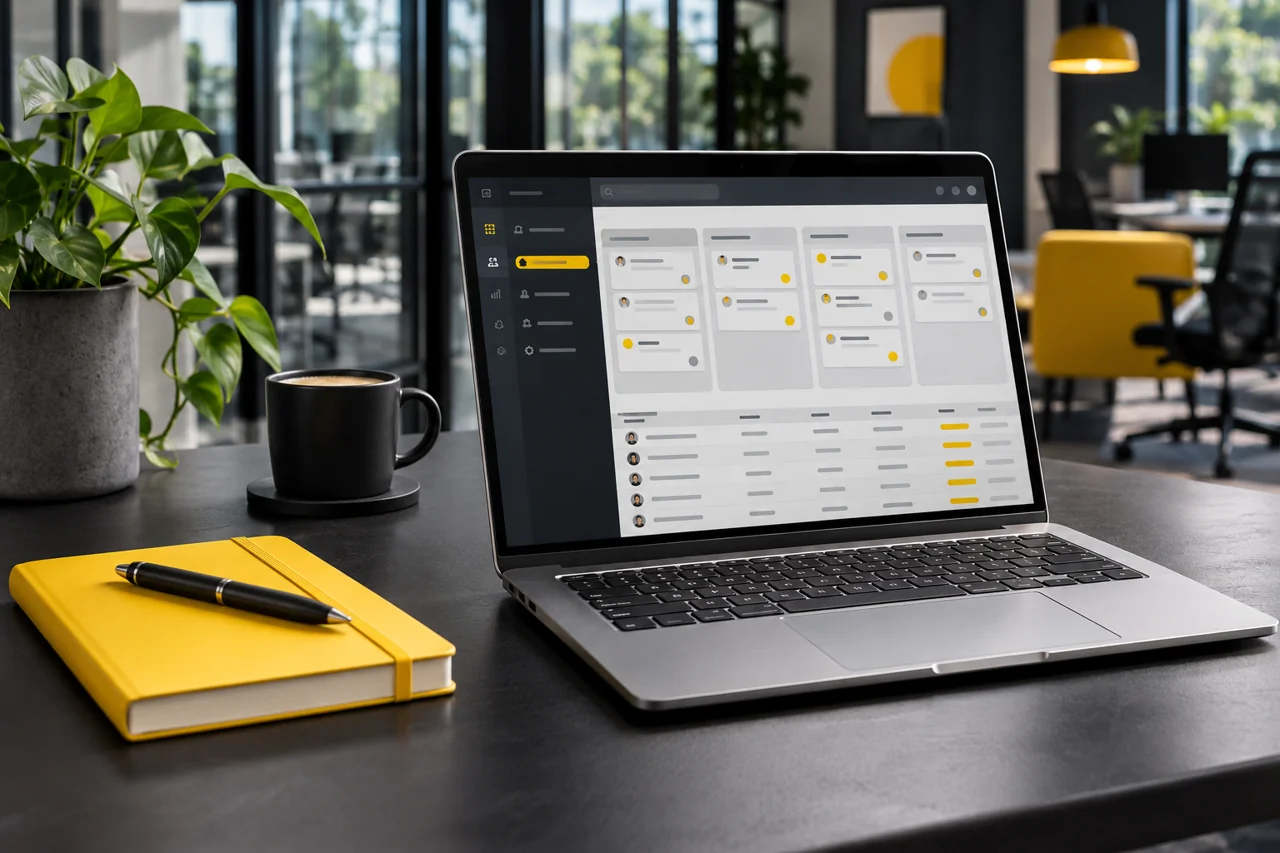
AI-generated photograph of a laptop with a sample CRM screen in a modern office
One connected growth journey · Marketing, sales & after-sales

AI-generated business imagery · Sample CRM screen

AI CRM features

Three dedicated pipelines.
One connected business.

Give each team its own workflow while keeping the customer journey connected—from the first campaign to delivery and the next opportunity.

01 / MARKETING

Marketing pipeline

Organize campaigns, lead sources and marketing follow-ups. Give sales the context behind every enquiry.

  • Campaign and lead-generation workflow
  • Lead sources and customer requirements
  • Ownership and next actions
Plan → Attract → Capture → Qualify
02 / SALES

Sales pipeline

Manage opportunities, conversations, proposals and follow-ups in a dedicated sales pipeline.

  • Sales stages matched to your process
  • Proposals and customer decisions
  • Clear handover when a deal is won
Enquiry → Follow-up → Proposal → Won
03 / OPERATIONS

After-sales operations pipeline

Carry the agreed scope into execution. Keep responsibilities, progress and customer follow-up visible.

  • Sales-to-operations handover
  • Project or service delivery stages
  • Completion and after-sales follow-up
Handover → Execute → Deliver → Support

Example stage sequences shown. Pipelines, fields and responsibilities are customized around your business.

Customizable dashboards

Dashboards for each team

Bring the information your role needs into focus: marketing activity, sales opportunities, follow-ups and operations progress. Define dashboard views around the way your team manages work.

Marketing overviewSales pipelineOperations progressManagement view
Detailed departmental reports

Reports for each department

Review dedicated reports for Marketing, Sales, and After-Sales Operations. See what each team can track.

Campaign performanceSales performanceDelivery statusFollow-up visibility
One connected growth journey

From your first poster
to your next repeat customer.

Create posters and videos. Run ads and generate leads. Follow up, communicate and convert sales. Deliver the project or service, then keep supporting the customer—all through a connected AI CRM workflow.

AI-generated photograph: Indian male marketing team planning campaign content01 / CREATE

Create content that gets noticed.

Create posters, promotional videos and campaign content with AI to showcase your products, services and offers.

→ Bring your campaign ideas to life
AI-generated photograph: Indian male marketer reviewing an advertisement and campaign performance02 / ATTRACT

Run ads. Generate leads.

Use your posters and videos in advertising campaigns to reach potential customers. Bring new enquiries into your CRM with their source and requirements.

→ Connect campaign interest to sales opportunities
AI-generated photograph: Indian male sales professional planning customer follow-ups03 / ENGAGE

Keep every conversation moving.

Assign each lead to the right person, plan timely follow-ups and keep customer communications connected to the enquiry.

→ Give every lead an owner and a next step
AI-generated photograph: Indian male business professionals confirming a sale with a handshake04 / CONVERT

Turn enquiries into confirmed sales.

Understand customer needs, follow up on proposals and quotations, and track each opportunity through to a decision.

→ Keep the sales process clear from enquiry to confirmation
AI-generated photograph: Indian male operations team checking a delivery and task list05 / DELIVER

From a sale to a job well done.

Move confirmed sales into project delivery, service fulfilment or support work. Carry customer requirements forward, assign responsibilities and track progress.

→ Deliver what you promised and keep customers informed
AI-generated photograph: Indian male support professional assisting a customer06 / SUPPORT

Stay connected after the sale.

Coordinate after-sales support, respond to customer requests and follow up on satisfaction. Keep the relationship active to support repeat business and referrals.

→ Build trust beyond the first purchase
AI Creative Studio / Content & publishing

Create, publish and
manage campaigns.

Create content with a purpose. Connect creative work, publishing and advertising to the marketing pipeline.

Content built around your audience.

Choose a service, campaign goal, audience, language and format. Use AI to prepare titles, hooks, calls to action, captions and hashtags—then edit the result for your brand.

  • Social media posters and image prompts
  • Video ideas and scripts
  • Blog posts and articles
  • Brand, style and audience controls
  • Content publishing through configured channels
Two colleagues reviewing a poster and planning a video storyboard
Content Studio · Create campaign content and prepare it for publishing.
Ads creation & management

Keep creatives and campaigns together.

Turn finished posters and videos into ad campaigns. Organize drafts, platforms, budgets, dates and status, with clicks, leads and spend available in the ad overview.

  • Create and manage campaign drafts
  • Track budgets, timing and results
  • Filter ads by platform and status

Publishing depends on the platform connection. With a Meta connection, ads can be prepared paused for review; Google Ads and ChatGPT ad workflows provide launch kits for manual setup. Confirm supported connections in your demo.

Two colleagues reviewing campaign results and an advertising schedule
Ads Management · Plan campaigns and monitor results.
AI assistant / Across your workflow

Draft replies and proposals
with your company knowledge.

Give the assistant your company documents and relevant lead context to help prepare useful content and customer communications throughout the process.

Two colleagues using a laptop to review company documents and a proposal
AI Assistant · Use company knowledge to draft replies and proposals.

Marketing support

Develop poster and video ideas, competitor analysis, website and social audits, review replies and business development ideas.

Sales support

Prepare WhatsApp and email replies, proposals, follow-up messages, cold emails and call scripts using the relevant customer context.

Operations support

Ask questions against company knowledge and draft customer updates and replies to support delivery and after-sales communication.

Review and edit AI-generated work before sending or publishing. Available tasks and connected channels are confirmed for your implementation.

Dedicated reporting

See performance
at every stage.

AI CRM provides dedicated reports for Marketing, Sales, and After-Sales Operations. Each team can review its own results and see where follow-up is needed.

Marketing Reports

See which campaigns and channels generate enquiries, and review the results of your paid campaigns.

  • Campaign and lead source performance
  • Leads generated by channel
  • Ad clicks, leads and spend where connected

Sales Reports

See where opportunities stand and which deals need attention.

  • Opportunities by pipeline stage
  • Proposal status and deal outcomes
  • Pending sales follow-ups

After-Sales Operations Reports

Track what happens after a deal is won, from handover through delivery and customer support.

  • Sales handovers and assigned work
  • Project or service delivery progress
  • Open customer follow-ups and support requests

Use customizable dashboards to bring the metrics your team reviews most often into one view.

Integrations

Bring more enquiries
into one CRM.

Connect the channels customers already use. Give each new enquiry a place in the CRM, with enough context for your team to follow up.

WEBSITE → AI CRM

Capture website leads

Connect enquiry forms, demo requests and landing pages to AI CRM. Capture the customer’s contact details, request and lead source so the right team can follow up.

Form submission → CRM lead → Follow-up
WHATSAPP → AI CRM

Turn conversations into leads

Connect a supported WhatsApp Business setup to capture enquiries in AI CRM. Record what the customer needs and assign the next action in the pipeline.

WhatsApp enquiry → CRM lead → Follow-up
AI CHATBOTS & MCP

Connect ChatGPT and Claude

Use a chatbot to answer common questions, collect enquiry details and hand qualified leads to your team. With a configured Model Context Protocol (MCP) connector, ChatGPT or Claude can access approved CRM tools, such as looking up lead status or recording an enquiry.

ChatGPT or Claude → MCP connector → Approved CRM tools

Available connections depend on your website, WhatsApp Business setup, AI account and CRM permissions. Confirm the channels and actions you need during your demo.

Discuss your integrations ↗
How It Works

From process review
to ongoing support.

Astra Technologies studies how your business works, then customizes AI CRM around your marketing, sales and after-sales operations.

  1. Study your current process

    Review how your team handles enquiries, sales follow-ups, handovers and after-sales work. Identify what works and where work gets delayed.

  2. Customize the CRM

    Configure pipelines, fields, roles, dashboards and reports around your process. Agree on the integrations and AI features your teams need.

  3. Implement and launch

    Set up the agreed workflows, check them with your team and roll out the CRM.

  4. Train your teams

    Guide marketing, sales and operations teams through their daily tasks, from handling leads to reviewing reports.

  5. Provide ongoing support

    After launch, get help with day-to-day questions and agreed adjustments through your monthly support package.

Monthly support packages

Choose the number of support hours that suits your team.

  • 10hours per month
  • 20hours per month
  • 30hours per month

Let’s review your business process.

Tell us how your teams work today and what you want the CRM to improve.

Book Your Free Demo ↗
FAQs

Before you book
a demo.

Can the CRM match our existing workflow?

The starting point is your current process. Discuss your sales stages, marketing handovers, fields, roles, and reporting needs with Astra Technologies to define and confirm the customization scope, including post-sale operations stages and follow-ups.

What support is available after launch?

Choose a monthly support package of 10, 20 or 30 hours for day-to-day questions and agreed CRM adjustments.

What does AI CRM cost?

Pricing has not been published on this page. Ask Astra Technologies for a quote based on your users, required features, setup, and support needs.

Are the images showing real customer information?

The business photographs and product visuals are AI-generated illustrations. The product visuals explain typical workflows. Your branding and configuration can differ.

Free demo

See AI CRM in action.

Tell us how your team handles enquiries, sales or delivery today. We’ll use the demo to discuss the workflows, reports and integrations that fit your business.

AI CRM by Astra Technologies
A free demo focused on your business workflow.
WhatsApp: +974 7161 5279 ↗

Prepare for your free demo

This form prepares a downloadable brief on your device. It does not send your details or book a meeting. Use the WhatsApp button to contact Astra Technologies for your free demo.

Book Your Free Demo ↗WhatsApp · Free Demo

Your privacy

This landing page does not send form entries to a server or store them in your browser. The demo brief is generated locally only when you submit the form. No advertising or analytics tags are installed.